
Dominate every match with NeverLose
Premium mobile game mods, kept up to date after every patch. Pick a plan, pay with crypto and get your license key in minutes.
- Checking status…
 Bitcoin
 Ethereum
 Tether
 Litecoin
 Solana
 Tron
 BNB
 Toncoin
 Dogecoin
 USD Coin
Built for players who want the edge
Everything you need, from checkout to your first match.
Instant delivery
Your key is issued automatically the moment your payment confirms on-chain.
Live status
Our team updates the status board in real time, so you know when it's safe.
Android & iOS
One key works on either platform. Install the app, enter your key, play.
Fair time tracking
Your plan's time starts on your first login, not at purchase. Buy now, play later.
Encrypted & private
All app traffic is encrypted, and we only ask for an email. No personal data.
Regular updates
Mods are updated after every game patch and reach your app automatically.
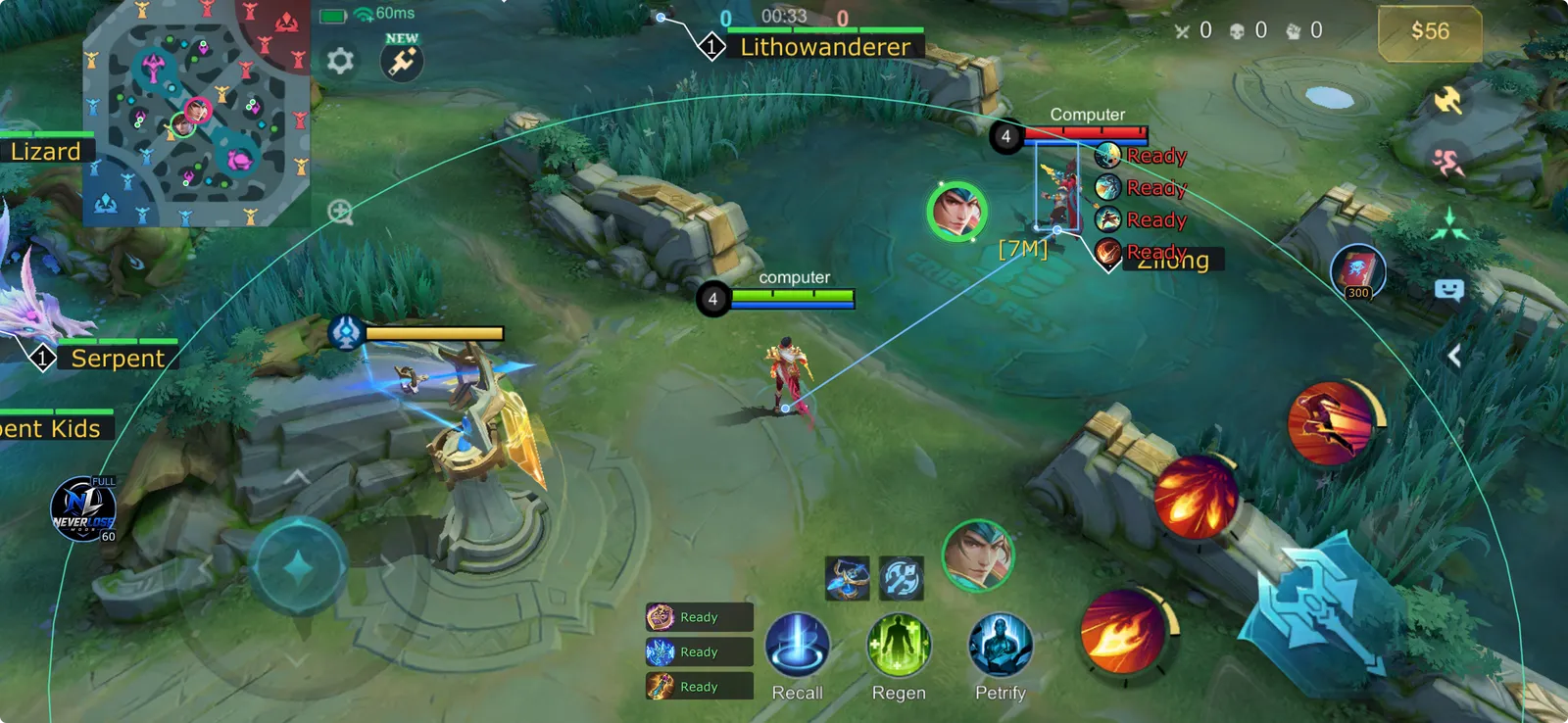
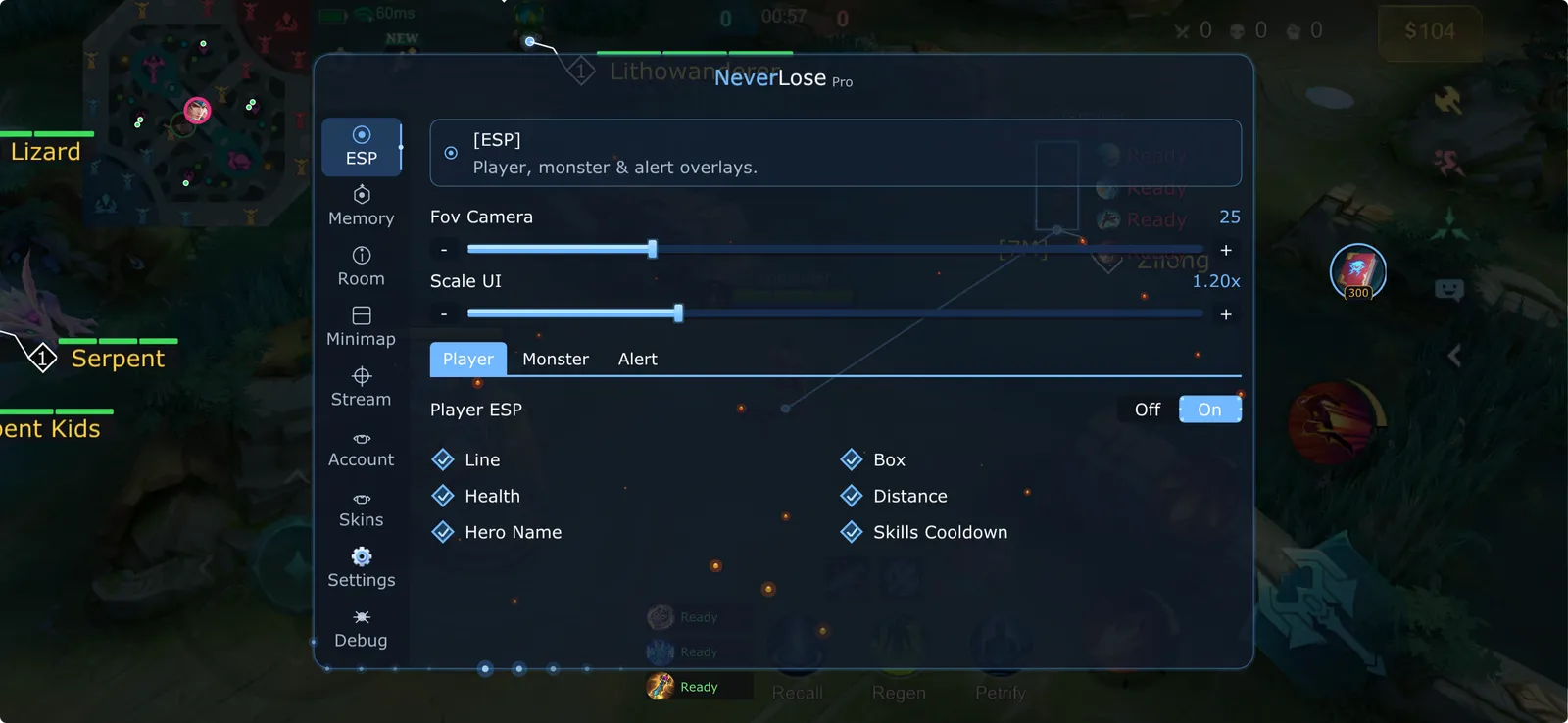
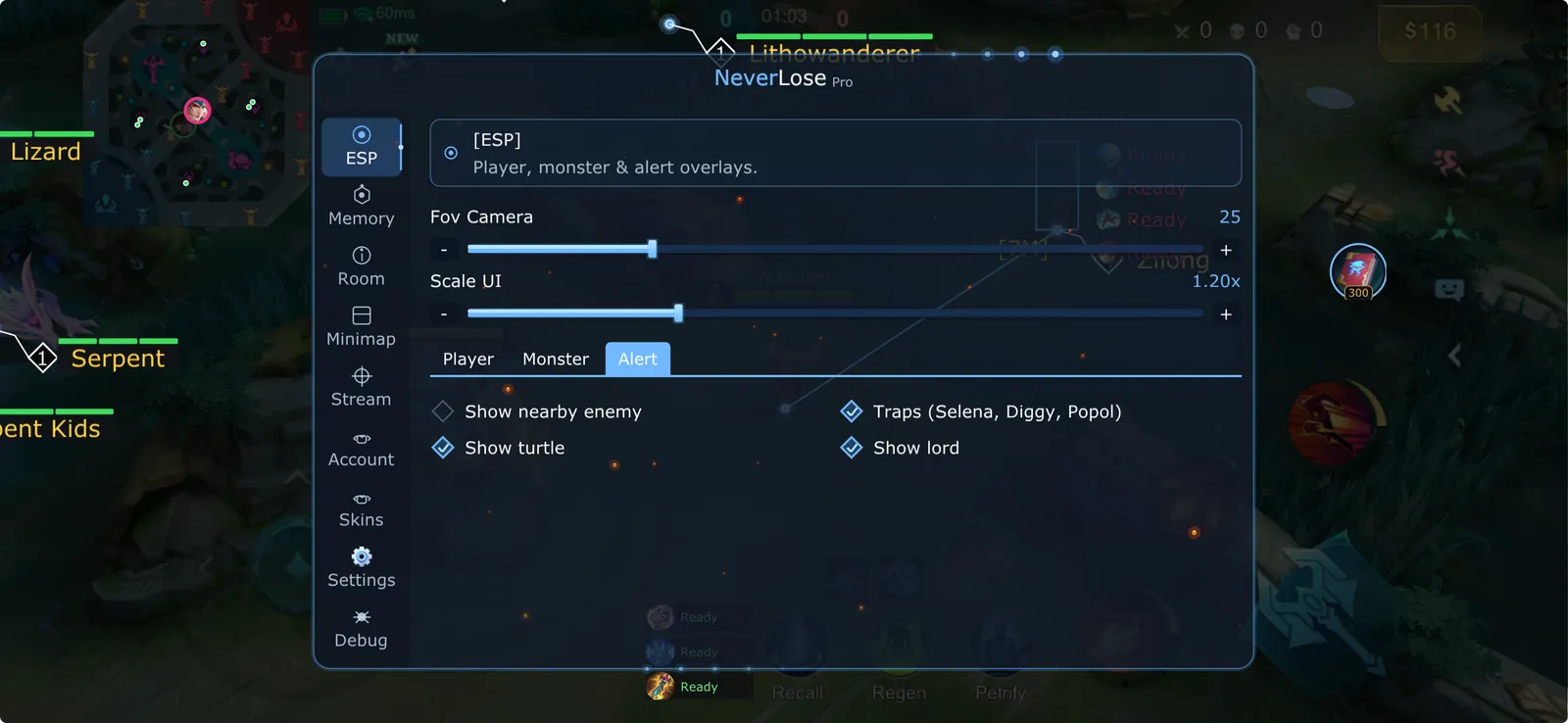
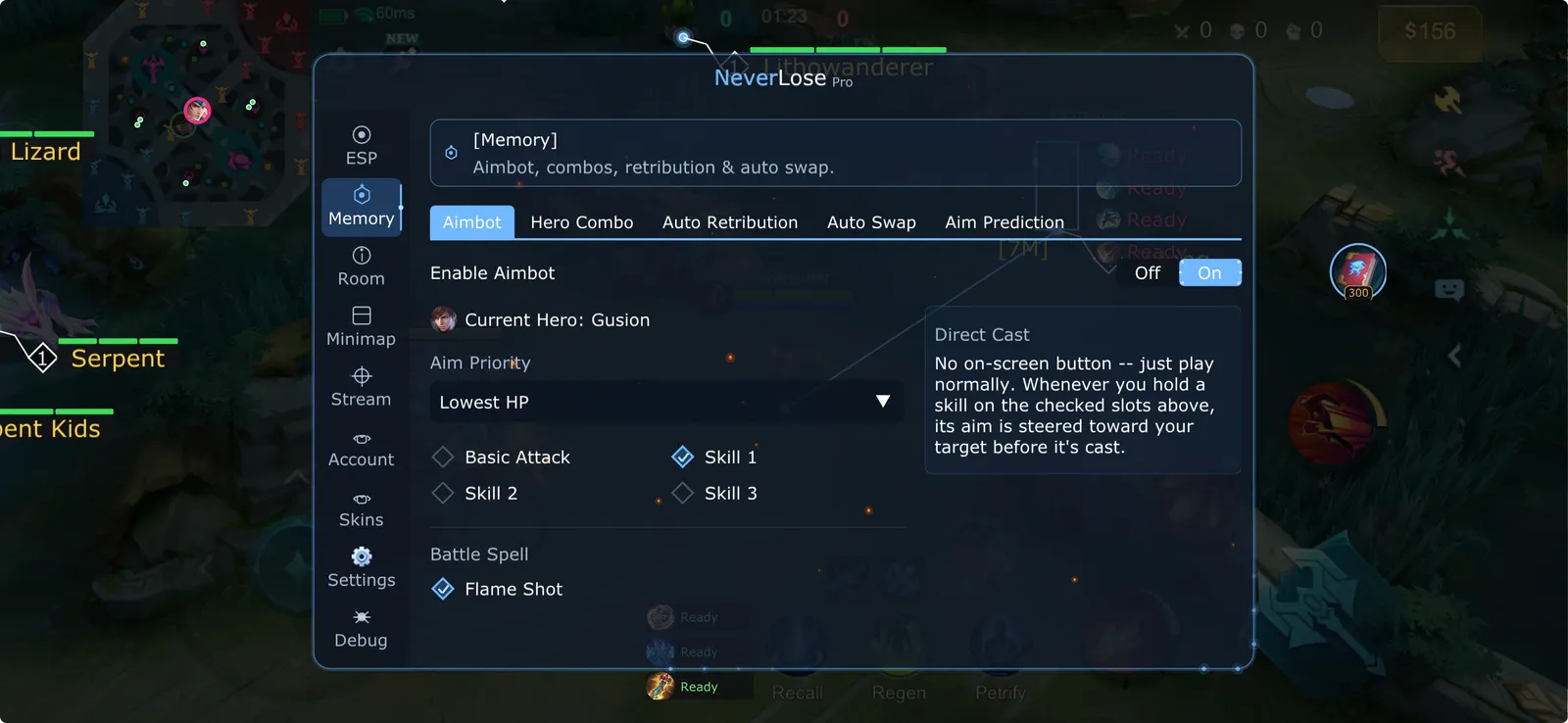
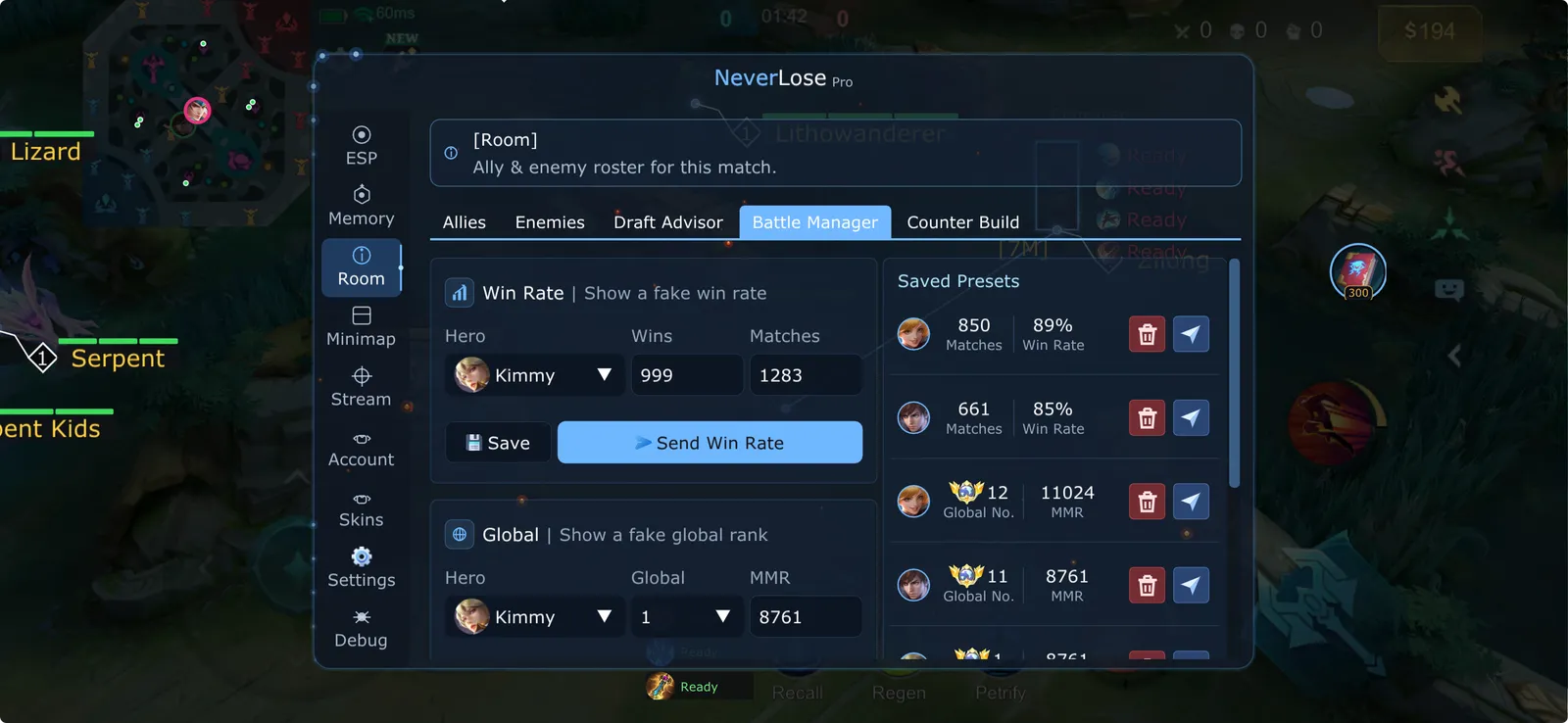
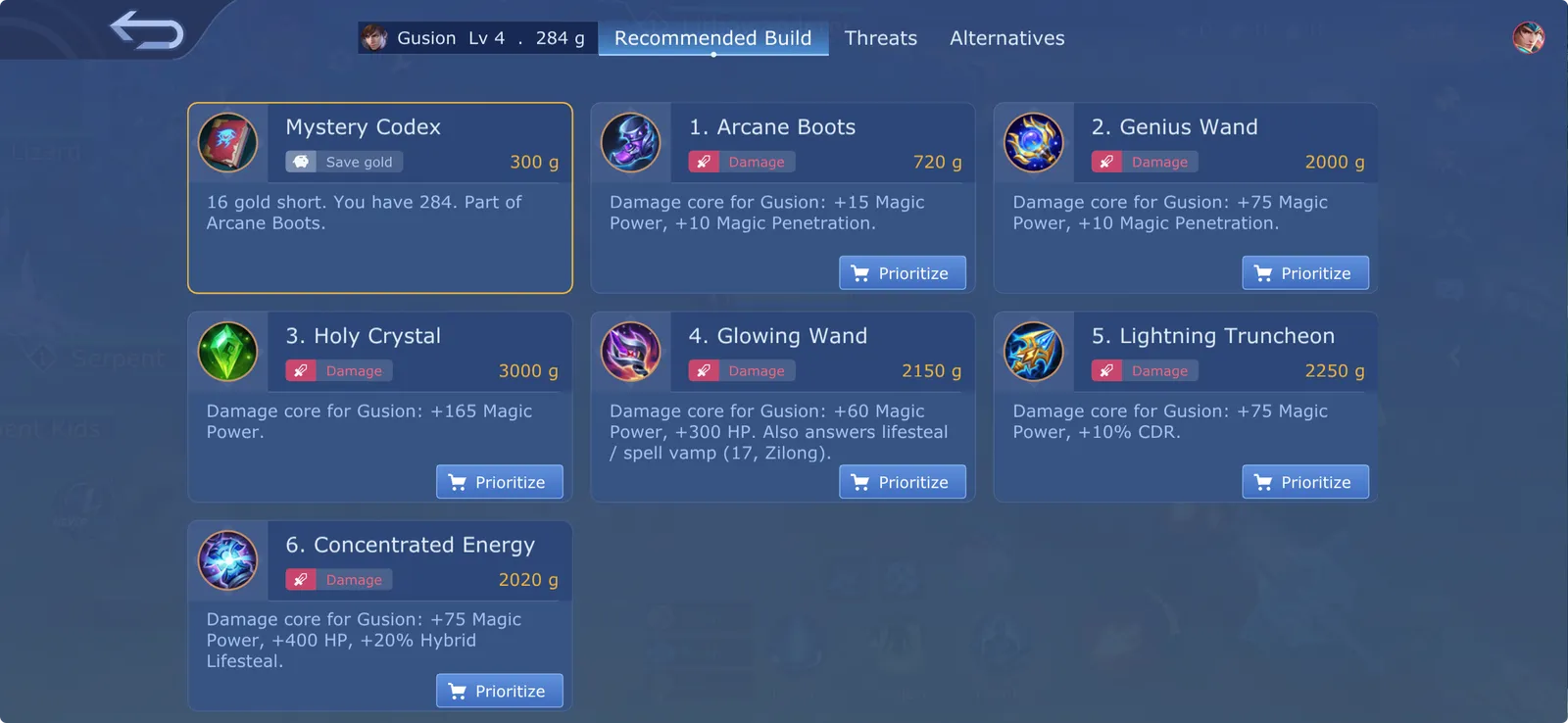
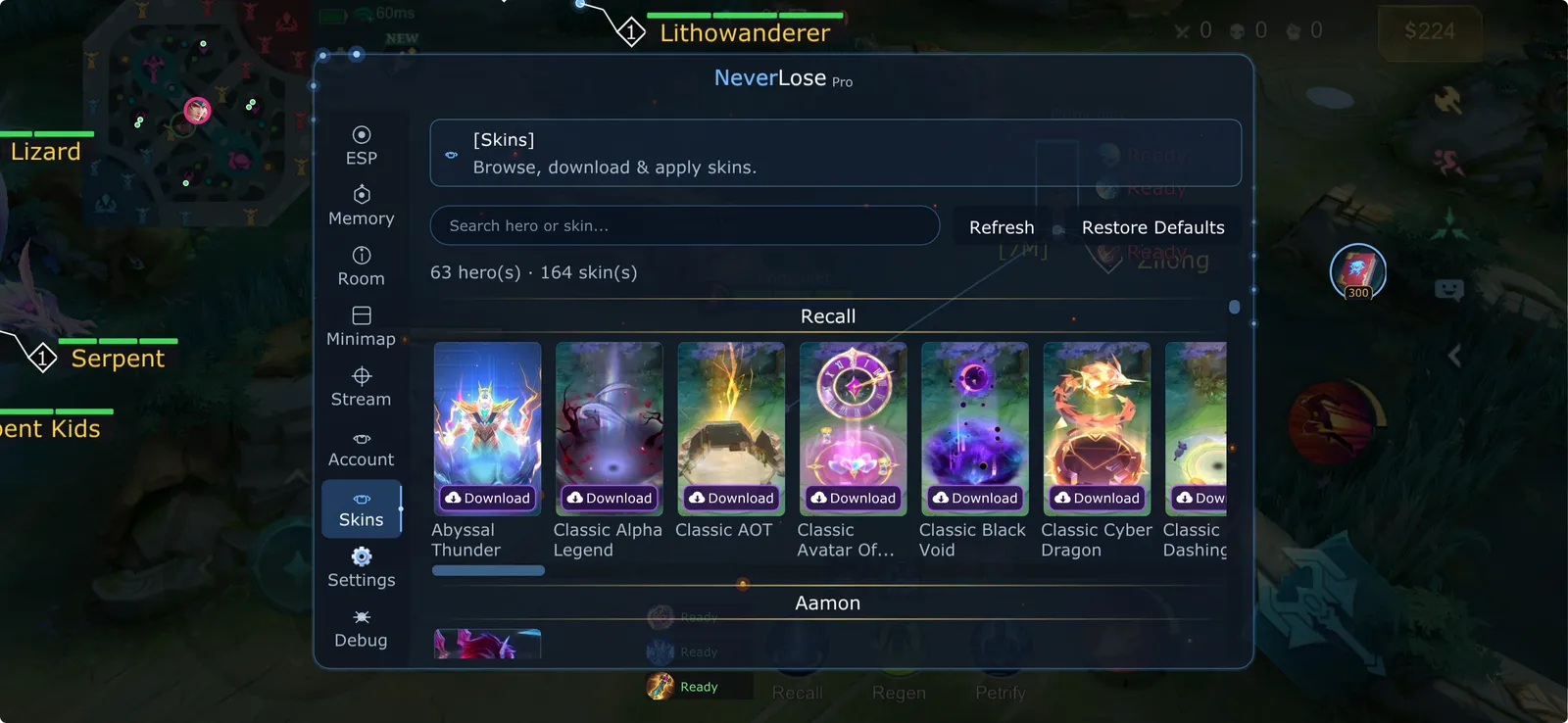
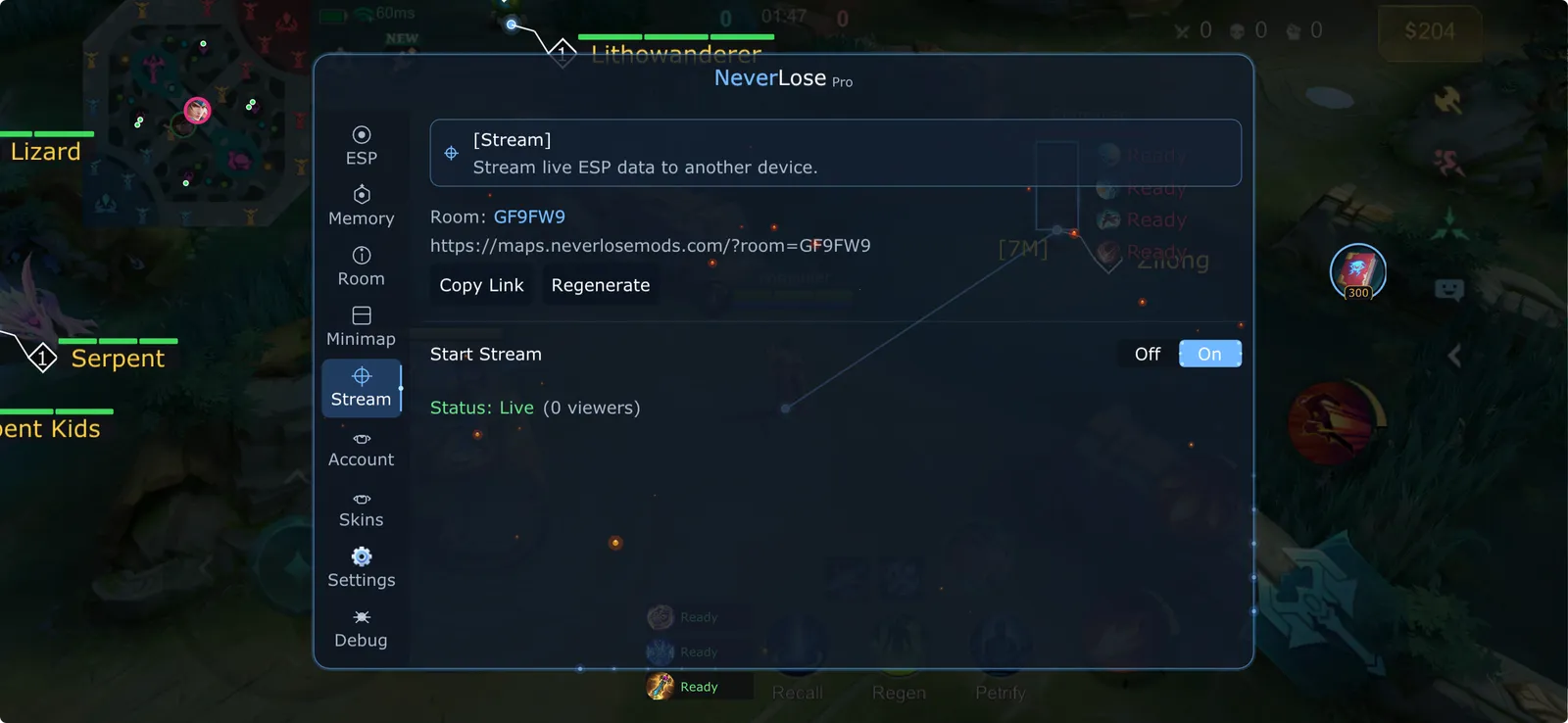
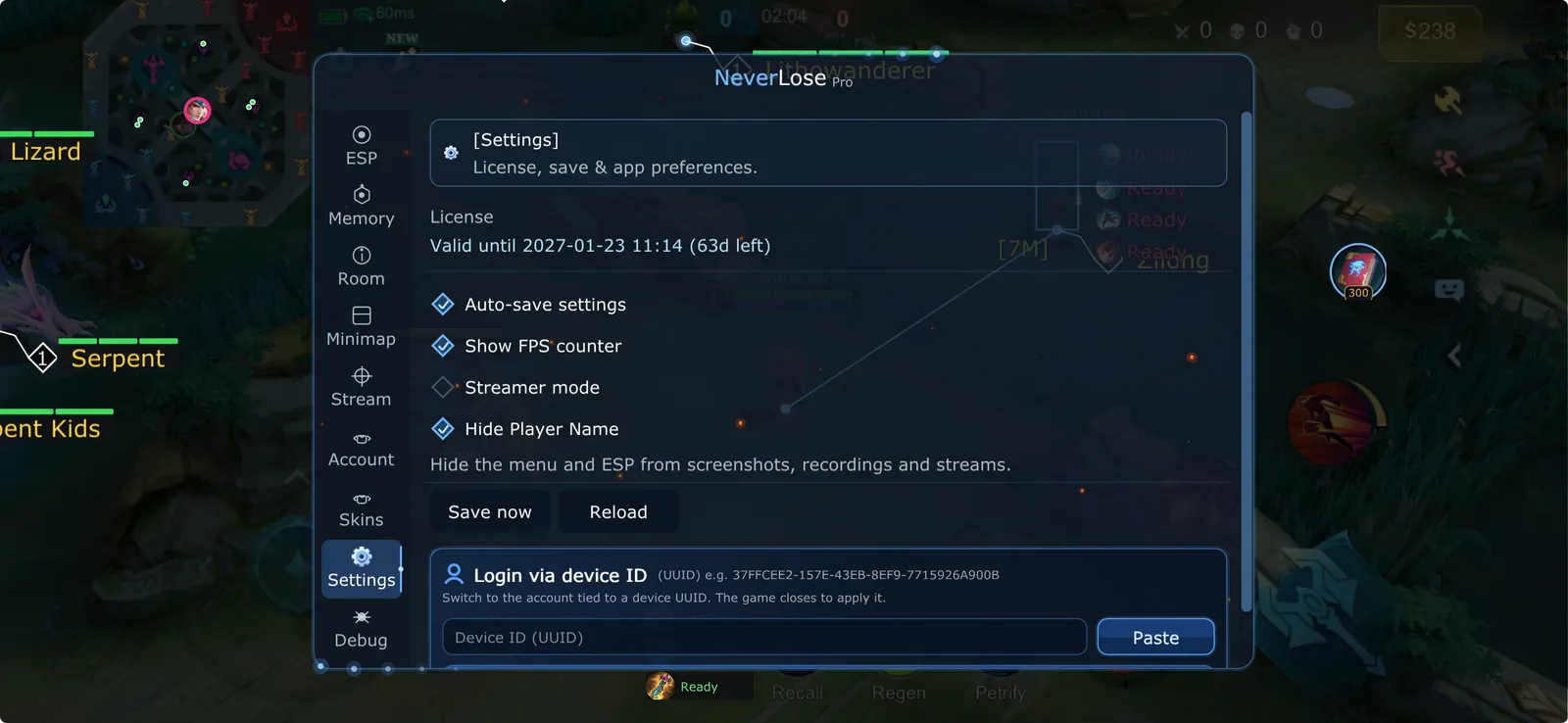
A look inside NeverLose Pro
Real screenshots from the in-game menu. Tap any screen to view it full size.
Simple plans, no subscription
One-time payment. No auto-renewal. Longer plans save more.
From checkout to in-game in minutes
Create your account
Sign up with your email and verify it. Every key you buy is saved to your dashboard.
Choose a plan & pay
Pick a plan and pay with the crypto of your choice on our secure checkout page.
Get your key & play
Your key appears instantly after confirmation. Enter it in the app and start playing.
Questions? We've got answers.
Everything you need to know about buying, activating and using your key.
On your first login with the key, not when you buy it. A 30-day key bought today and first used next week runs 30 days from next week.
As soon as the payment is confirmed on the blockchain, usually a few minutes depending on the coin. The key appears in your dashboard and is emailed to you.
Over 100 cryptocurrencies through NOWPayments, including BTC, ETH, USDT (TRC20/ERC20), LTC, SOL, TRX and BNB. Pick your coin on the payment page.
Yes. Keys aren't tied to a platform; use it on whichever device you play on.
Yes. A key is bound to one phone at a time, and you can unbind it yourself whenever you switch. Open your dashboard and click Reset device on the key, or send the key to our Telegram bot @neverlosemodsbot. Then log in on the new phone.
If you underpay, the order shows as partially paid and you can send the rest from the same payment page. For anything else, contact support with your order number.